
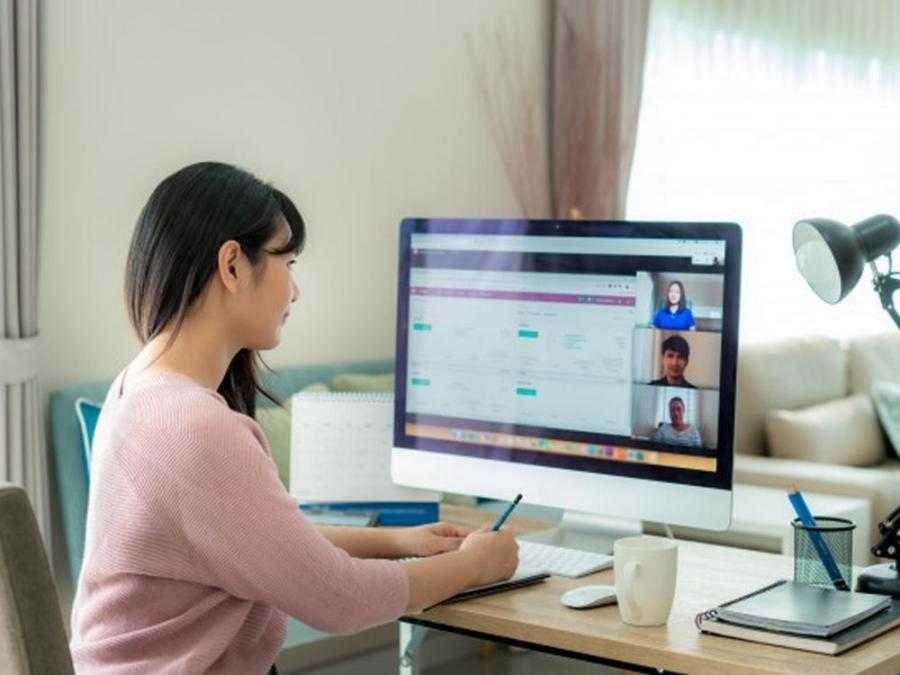
Combating bad posture while working from home
Around GMA
Around GMA
Flood control project restitution: Alcantara returns P71M to government These hotel offerings are perfect for the holidays 28-anyos nga Lalaki, Gipusil sa Brgy. Calamba, Cebu City | Balitang BisdakArticle Inside Page
Showbiz News
How do you keep your good posture while working from home?
Working from home poses many questions to employees and students alike. One of these is, where do you actually work?
Do you have a designated spot at your home? Do you prefer to work on your couch? How about your bed?
The answer matters because it's important to maintain good posture while working from home to prevent a tight neck, sore back, and aching wrists.
In an episode of Pinoy MD, orthopedic surgeon Dr. Franklin Dizon III warns viewers about the effects of too much sitting down and bad posture for your overall health.
One of which is cervical spondylosis, a common, age-related condition that affects the cervical spine's joints and discs (neck). It is also commonly known as neck arthritis.
Cervical spondylosis, according to Dr. Dizon, develops from the wear and tear of cartilage and bones in the neck, which is often caused by aging and sometimes holding your neck in an uncomfortable position for a prolonged period of time (a.k.a. Bad posture)
He adds, “Nagkakaroon ng pamamanhid o tusok-tusok ang pakiramdam ng mga kamay o binti kasi doon napupunta 'yung mga ugat na naiipit either sa leeg o sa lower back.”
So how do you prevent developing spondylosis?
Simple: move every 30 minutes and exercise proper posture whenever you can.
“Kailangan tumayo ka at magstretching ng kahit 30 seconds to one minute,” he advises.
“Basta gumalaw ka, bumangon ka at tumayo ka sa upuan mo.”
As for maintaining a proper posture, we share some helpful tips to bear in mind so you can be wary of your sitting position every time.
When seated, make sure your feet are flat on the ground and directly under your knees. Your legs should form a right angle. Make sure to avoid having your legs dangling from a chair that's too tall or sitting in a cramped style.
Focus on your spine being in proper alignment. Bring your abs towards your spine, lift your chest, and roll back your shoulders.
Bring back your head so that your chin is over your sternum or your breast bone, not extended forward over your body.
Rest your arms on a desk that provides a 90-degree angle so that your elbowa are bent on your sides and your forearms stretched in front of you.
Finally, your computer monitor should be at eye level, and elbows hugged in at the sides of your waist.
Note: if you're working on a laptop computer, and you can't work on an external keyboard, focus on your elbows hugging in at your sides with your forearms extended out to the keyboard. Look down to the computer screen with your eyes while keeping your spine aligned and your chin back.
Watch this Pinoy MD episode below:
For more tips on health while working from home, make sure to check out GMA Network's Lifestyle Page!
