How to use the Groupee chat feature on GMA Now
Around GMA
Around GMA
'Forgotten Island' gives sneak peak of a very Filipino party and Pinoy netizens are thrilled The Young Achievers podcast welcomes 'Lumpia Queen' Abi Marquez, earns spot on Spotify Philippines charts Papa Dudut, taos-puso ang pasasalamat sa mataas na ratings ng pilot episode ng 'Barangay Love Stories'Article Inside Page
Showbiz News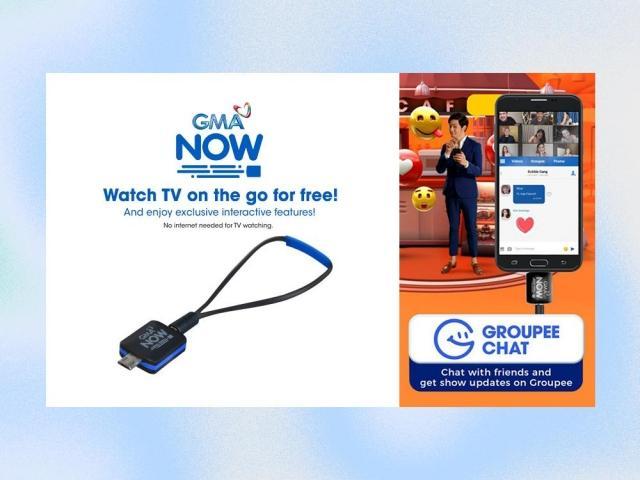
Find out how to chat with friends and get show updates on the Groupee chat feature on GMA Now HERE:
GMA Now is a mobile digital TV receiver that can be plugged into an Android phone and allows you to watch live TV on the go for free.
The thumb drive-sized dongle will give you access to GMA, GMA News TV, Heart of Asia, Hallypop, Dep-Ed TV, and all available free-to-air digital channels in your location and will be able to catch all your favorite Kapuso shows anytime and anywhere.
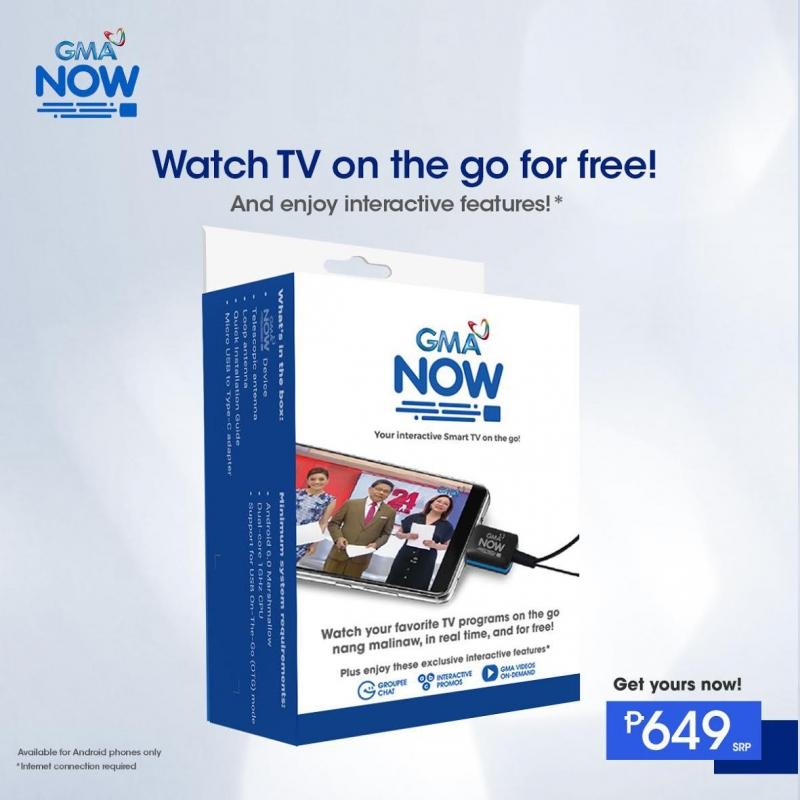
It comes equipped with many interactive features which will allow you to stream GMA videos, play interactive games, and chat with your friends as well as your favorite Kapuso celebrities on Groupee.
Here's how to use the Groupee chat feature on GMA Now:
1. Install the GMA Now app on your phone.
2. Set up your GMA Now account.
3. While on portrait mode, go to the Groupee tab.
4. Choose Personal chat or Public chat.
5. For the Personal chat, tap the "Start a new chat" and choose from the contacts with GMA Now accounts.
6. Tap the name of the contact then tap "Done."
7. You can start chatting, send photos from your phone's gallery or straight from the camera app and send stickers.
8. For the Public chat, choose the group you want to join then tap "Join now" then tap "OK."
9. You can now chat with the other members of the group and get updates from a particular show.
While an internet connection is not required to watch shows on GMA Now, it is required for this chat feature.
For more details, visit GMA Now's site or follow GMA Now's official social media accounts in Facebook, Instagram, and Twitter.
You can also watch the how-to video HERE.
