

 GMA Brandtalk
 Tracking
 Archives

Pamasko ni GCash – Get discounted MRT-3 rides when you use GCash to pay!
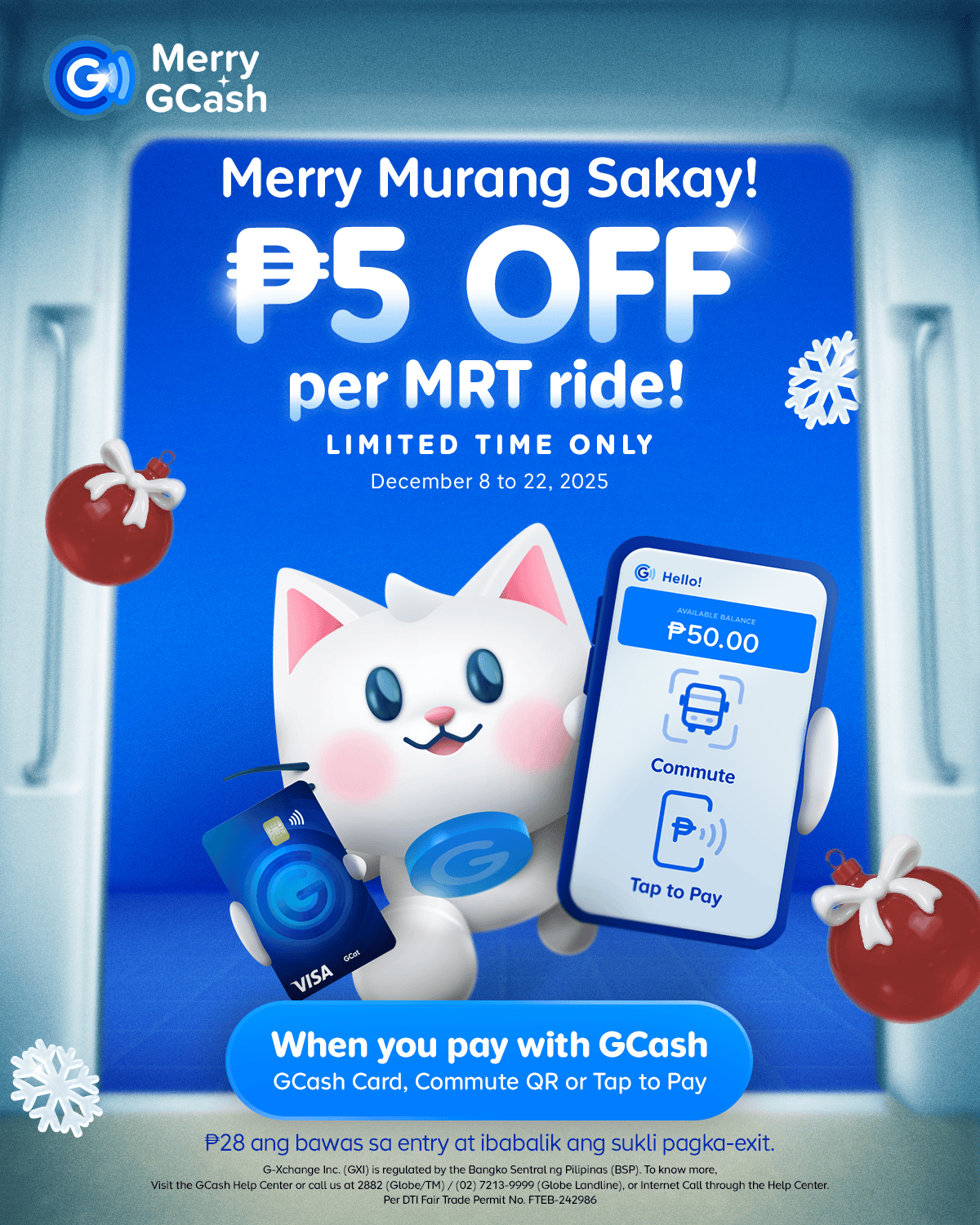
Enjoy PHP 5 off every trip with the GCash Murang Sakay promo!
The busiest time of the year is here, and navigating the holiday rush—especially with long lines for tickets—is about to get more challenging. Mag-MRT nalang! And as a way of saying thank you to their users, may pamaskong handog si GCash to encourage MRT-3 commuters to try its new payment options!
With GCash, skip the cashier line for single-journey tickets, and go straight to the MRT Fast Lane! PLUS – With the Murang Sakay promo, get PHP 5 off your fare when you use any of the three new GCash payment methods at MRT-3 stations from November 15–30 and December 8–22.
No need to register for the promo — the discount is automatically applied upon fare deduction. Note: P28 is initially deducted upon entry, and the change will be returned to your GCash wallet after you exit.
If you haven’t tried it yet, here are the three convenient ways you can pay for your MRT-3 rides with GCash, helping you skip the line at the cashier queue for a single journey ticket and access a dedicated MRT fast lane:
GCash Tap to Pay using your phone
If you’re using an NFC-enabled Android phone, your device is your ticket for a seamless entry and exit pass.
To get started, it's a quick, one-time activation:
- Simply tap Settings on your phone.
- Turn on the NFC feature.
- Log in to your GCash account.
- Select Tap to Pay and agree to the Terms & Conditions.
Once activated, you can now pay for your MRT-3 rides quickly – Just login to GCash then tap your phone on the turnstile upon entry to proceed to the train platform. Upon exit, do the same steps, and the correct fare, along with the PHP 5 discount, will be automatically deducted from your account.
Tap your GCash Visa Card
Even with a spotty signal or low battery, you can still breeze through your MRT-3 ride using your GCash Visa Card. It works like the traditional MRT-3 ticket system, where you can tap the card upon entry and again during exit. After you exit, the exact fare (minus the PHP 5 discount) will be charged, and any remaining balance from the hold will be credited back to your GCash wallet.
To use this convenient feature, order a GCash Visa Card in the app by tapping the Cards icon in the home screen.
Upon receiving your Card, make sure your GCash Visa Card is linked to your GCash account:
- Tap 'Cards' in the GCash app.
- Select 'Link my Card,' then input the One-Time Pin (OTP) and submit.
- Enter the last 4 digits of your card and your virtual account number, then submit.
What’s great about the GCash Visa Card is that you can use it in other stores, locally and abroad, not just in the MRT! Plus, it’s linked to your GCash account, so you just have to cash-in in the app, without having to line up in the MRT station to reload or buy a single-journey ticket Card!
Scan your GCash Commute QR
You can also enjoy the convenience of cashless commuting by generating a Commute QR code on your GCash app. This will serve as your digital ticket without the need to input any station details.
Here’s how to use Commute QR:
- Tap Commute on the GCash app to activate once.
- At the start of the trip, tap Commute to generate QR – You may download it or take a screenshot.
- At the GCash fast lane, position your phone towards the scanner.
- Once scanned, you're all set to board the train.
Upon exit, just scan the same QR code again. The exact fare, with the PHP 5 discount applied, will be automatically deducted from your account. For Globe and TM users, this feature works even without mobile data.
—
Don’t miss this chance to save while enjoying a faster, more convenient commute. Whether you're tapping, scanning, or using your GCash card, getting around the city this holiday season just got easier — with an extra treat to boot!
Ready to power up your commute journey? Download the GCash App on the Apple App Store, Google Play Store, or Huawei App Gallery.
Per DTI Fair Trade Permit No. FTEB-242342 Series of 2025
Per DTI Fair Trade Permit No. FTEB-242986 Series of 2025
###
About GCash
GCash is the Philippines’ #1 Finance App and Largest Cashless Ecosystem. Through the GCash App, users can easily purchase prepaid airtime; pay bills via partner billers nationwide; send and receive money anywhere in the Philippines, even to other bank accounts; purchase from over 6 million partner merchants and social sellers; and get access to savings, credit, loans, insurance and invest money, and so much more, all at the convenience of their smartphones. GCash’s mobile wallet operations are handled by G-Xchange, Inc. (GXI), a wholly-owned subsidiary of Mynt, the first and only duacorn in the Philippines.
GCash is a staunch supporter of the United Nations Sustainable Development Goals (SDGs), particularly UN SDGs 5,8,10, and 13, which focus on safety & security, financial inclusion, diversity, equity, and inclusion as well as taking urgent action to combat climate change and its impacts, respectively.
Mynt, through its fintech operations, is a staunch supporter of the United Nations Sustainable Development Goals (SDGs), particularly UN SDGs 5,8,10, and 13, which focus on safety & security, financial inclusion, diversity, equity, and inclusion as well as taking urgent action to combat climate change and its impacts, respectively.
G-Xchange Inc. (GCash) is regulated by the BSP (www.bsp.gov.ph). Visit the GCash Help Center or call 2882 (Globe/TM) / (02) 7213-9999 (other networks; fees may apply) to know more.
Paid partnership with GCash

