

 GMA Brandtalk
 Tracking
 Archives

Ready, set, learn with your new studymate
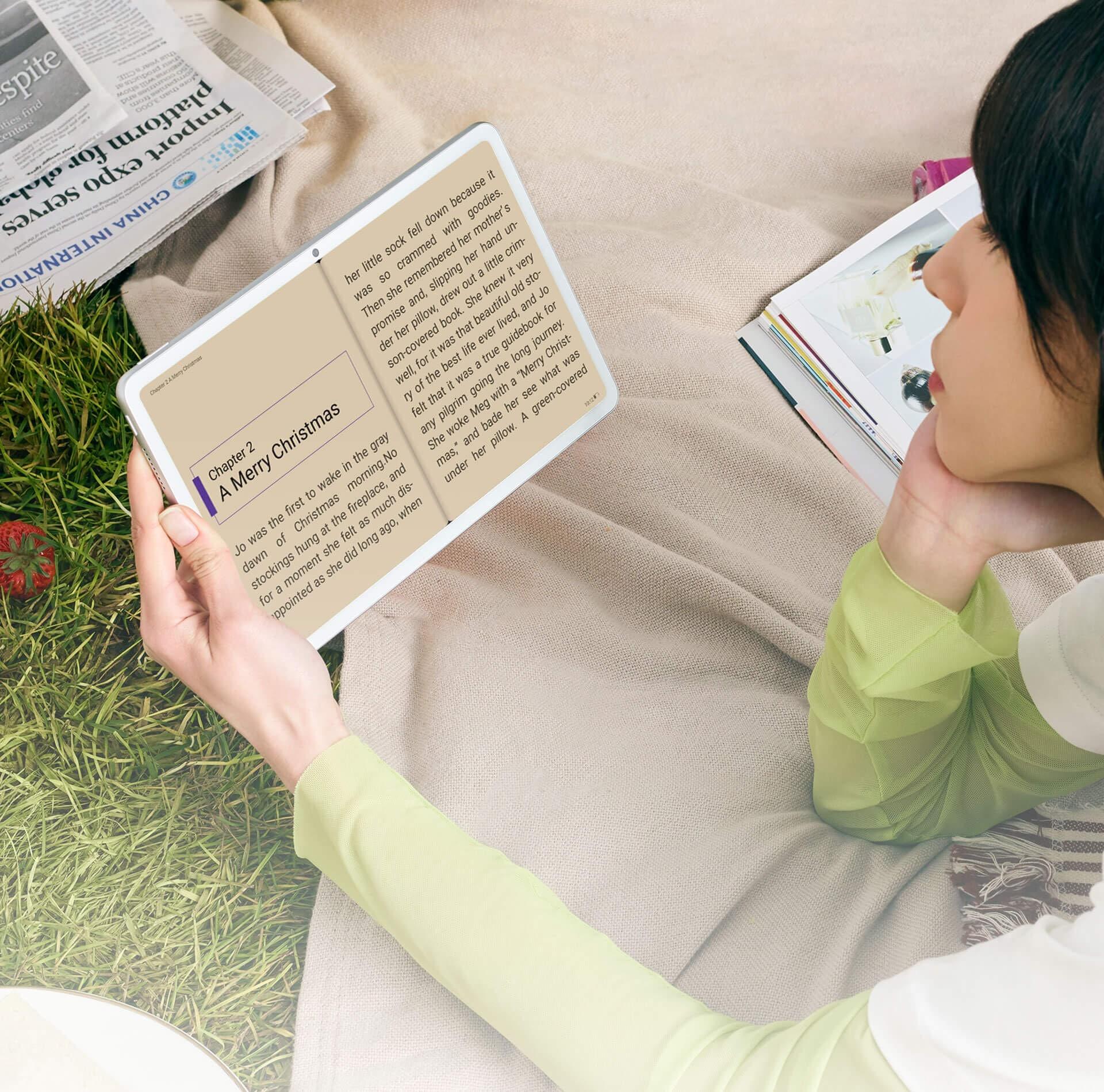
Transitioning to online lectures can be a bit challenging, but with the right tools and best practices you can still ensure productivity. Below are steps to boost your online class efficiency:
Establish a routine
Start the day by having breakfast and getting dressed as if you’re still going to your usual classes. Dedicate a learning space in your home that is free of distractions. Find a study partner in the form of a light and portable device, like the Huawei MatePad. It has a sleek and simple design and a FullView Display that lets you experience class presentations with vivid colors.

Be prepared to go live
Impressive sound and camera features are important factors for live interactions and lectures. The Huawei MatePad brings these to the table with four microphones and speakers by Harman Kardon. It also has a FollowCam mode. This allows you to be always at the center of the frame during reports. Watch the video below to see how it works:
Gear up for advanced learning
The Huawei MatePad is equipped with an App Multiplier so you can keep multiple research tabs open and multi task with ease. Slay at being a team player with the Multi-screen Collaboration feature of Huawei Share. This functionality lets you drag and drop files between two devices. For more creative tasks, the Huawei M-Pencil lets you write, draw and paint freely as you wish.

New normal learning can truly be done with ease when you find the #BestMateForYou. Tackle online classes confidently and get the most out of e-learning with the Huawei MatePad. Avail of MatePad SuperDeals with freebies worth up to Php8,207 including the Huawei Band 4e, Huawei MatePad flipcover, coupons, and more until September 20, 2020.
Visit Huawei Philippines’ partner websites and stores to avail the Huawei MatePad and MatePad Pro.

